Send a Link, Not a Slide Deck
Share a single link that gives clients and partners a live view of campaign results. Always up to date, always presentation-ready — no more rebuilding decks every time someone asks for numbers.








One link for the whole campaign
Share exactly what you see inside Sheer — no extra deck required.
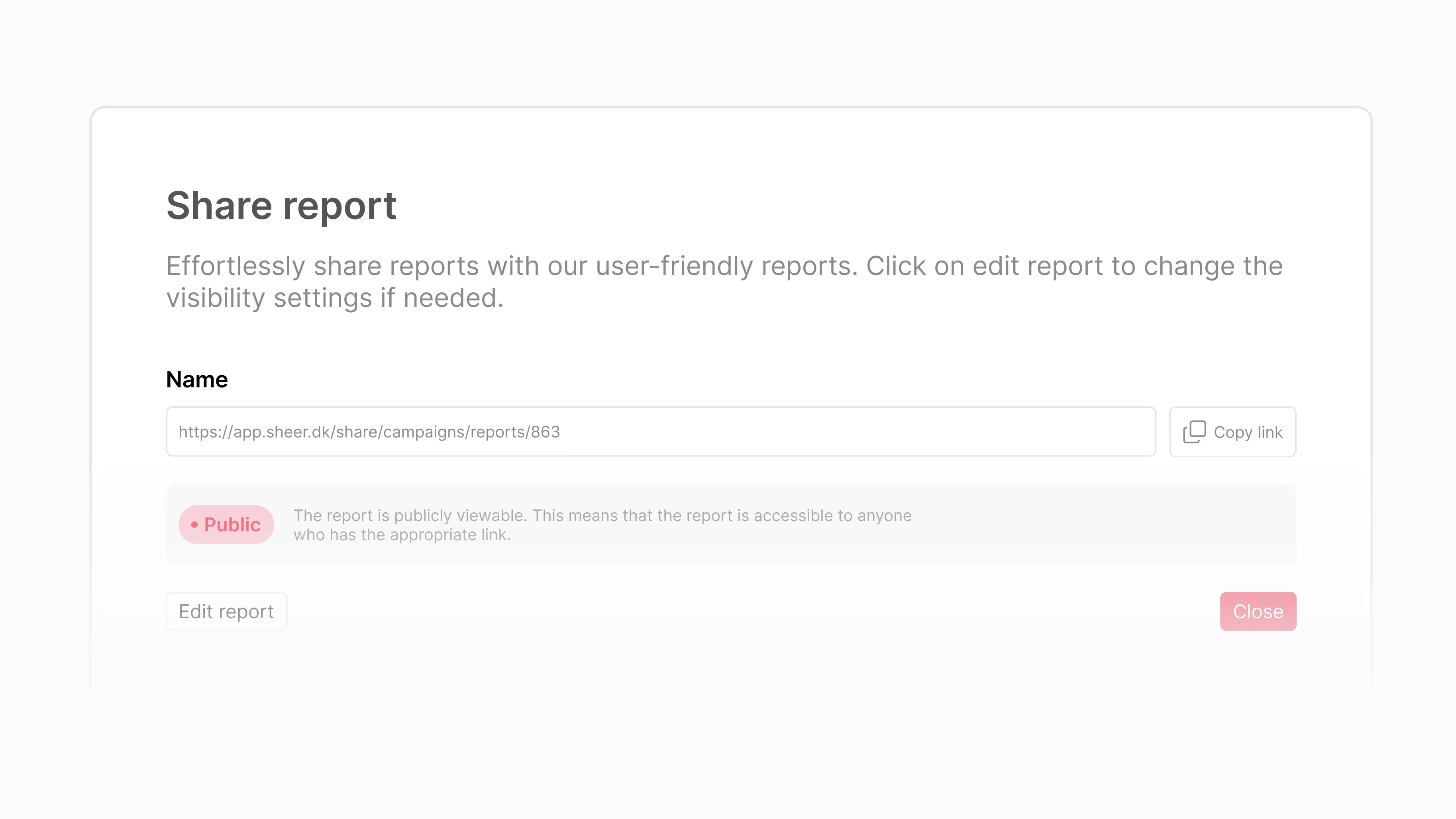
Share in Two Clicks
Generate a shareable link and choose who sees what. Reports look polished out of the box — no formatting or design work needed.
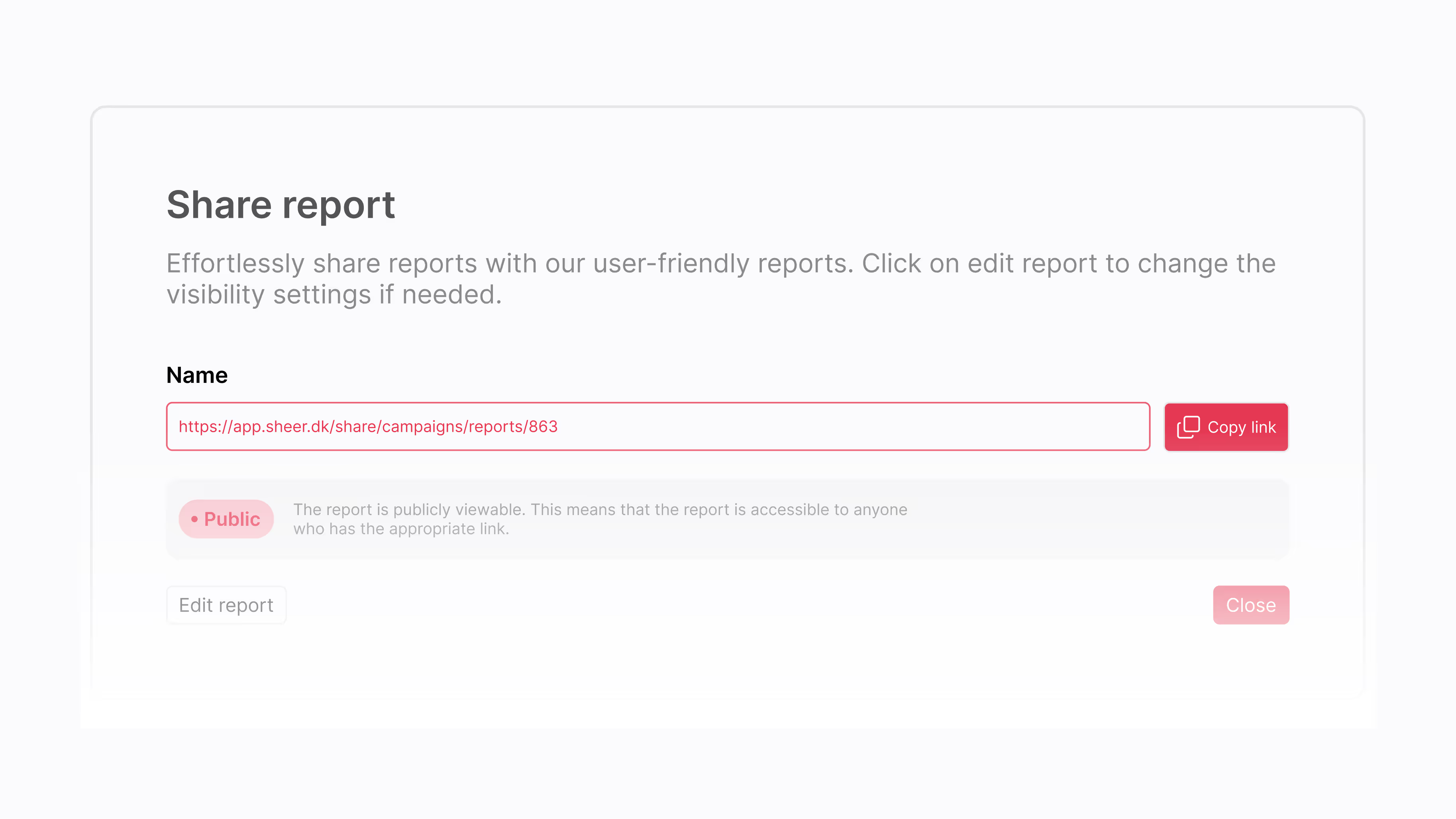
Everyone Looks at the Same Numbers
No more PDFs bouncing between inboxes. One link works in Slack, Teams, WhatsApp — wherever your team already talks.
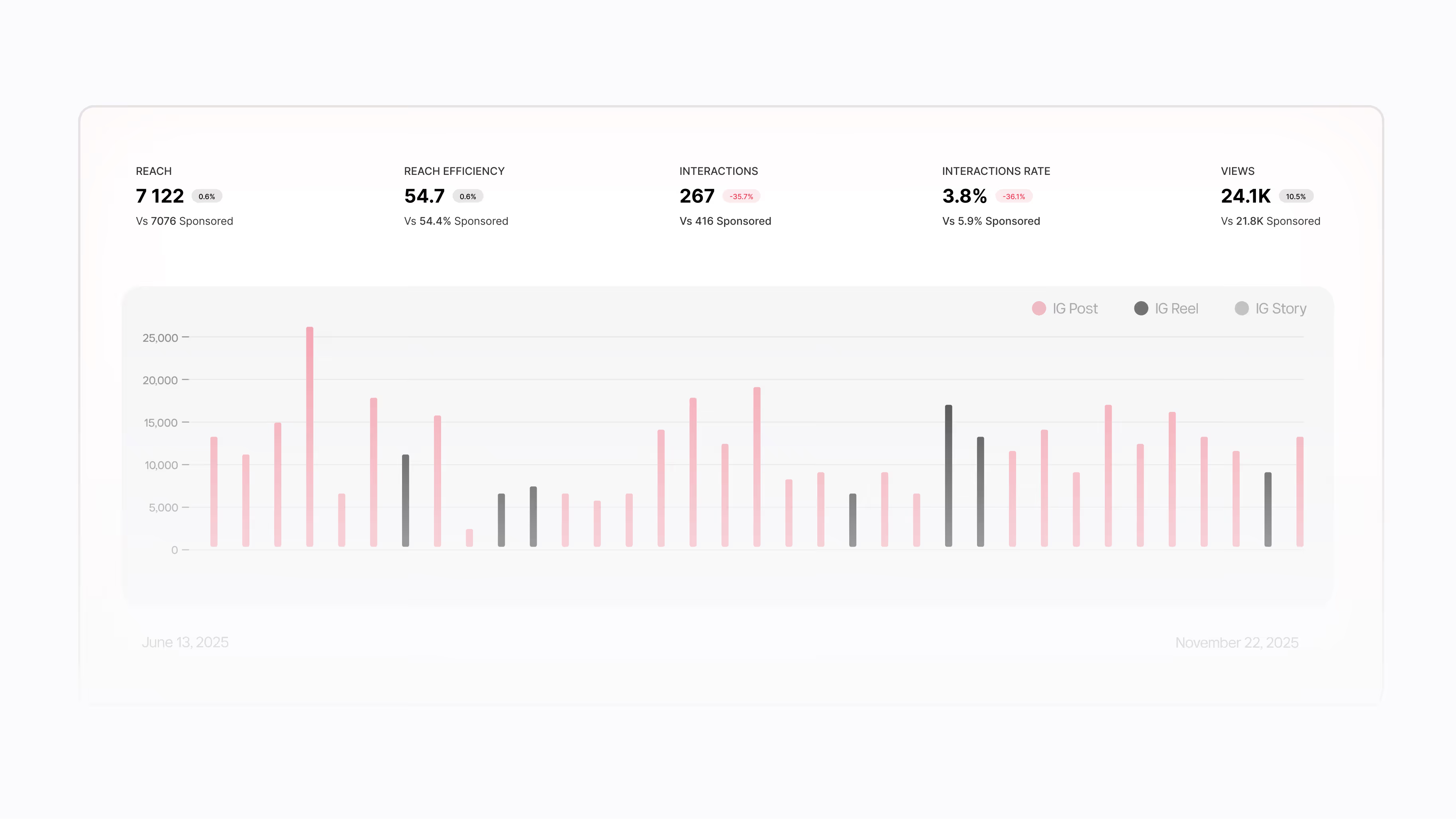
Always Up to Date
When a post goes live or numbers change, the shared report updates automatically. No re-exporting, no "here's the latest version" emails.
Share on Your Terms
Keep reports private while you're working, open them up for clients when you're ready, or add a password for extra control. One click to switch.
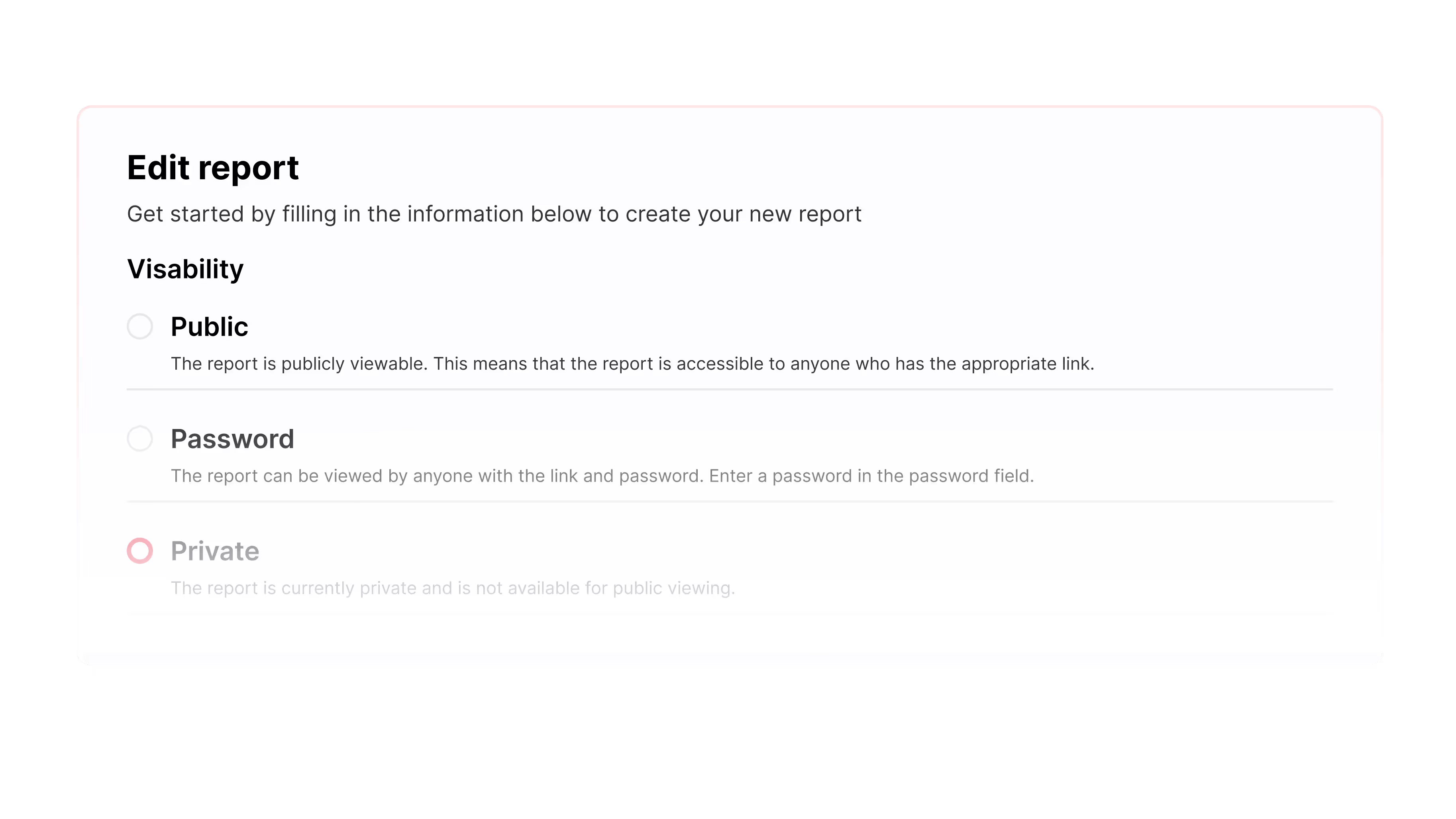
Private
Only visible to your team inside Sheer. Use this while a campaign is still running or before results are ready to share.
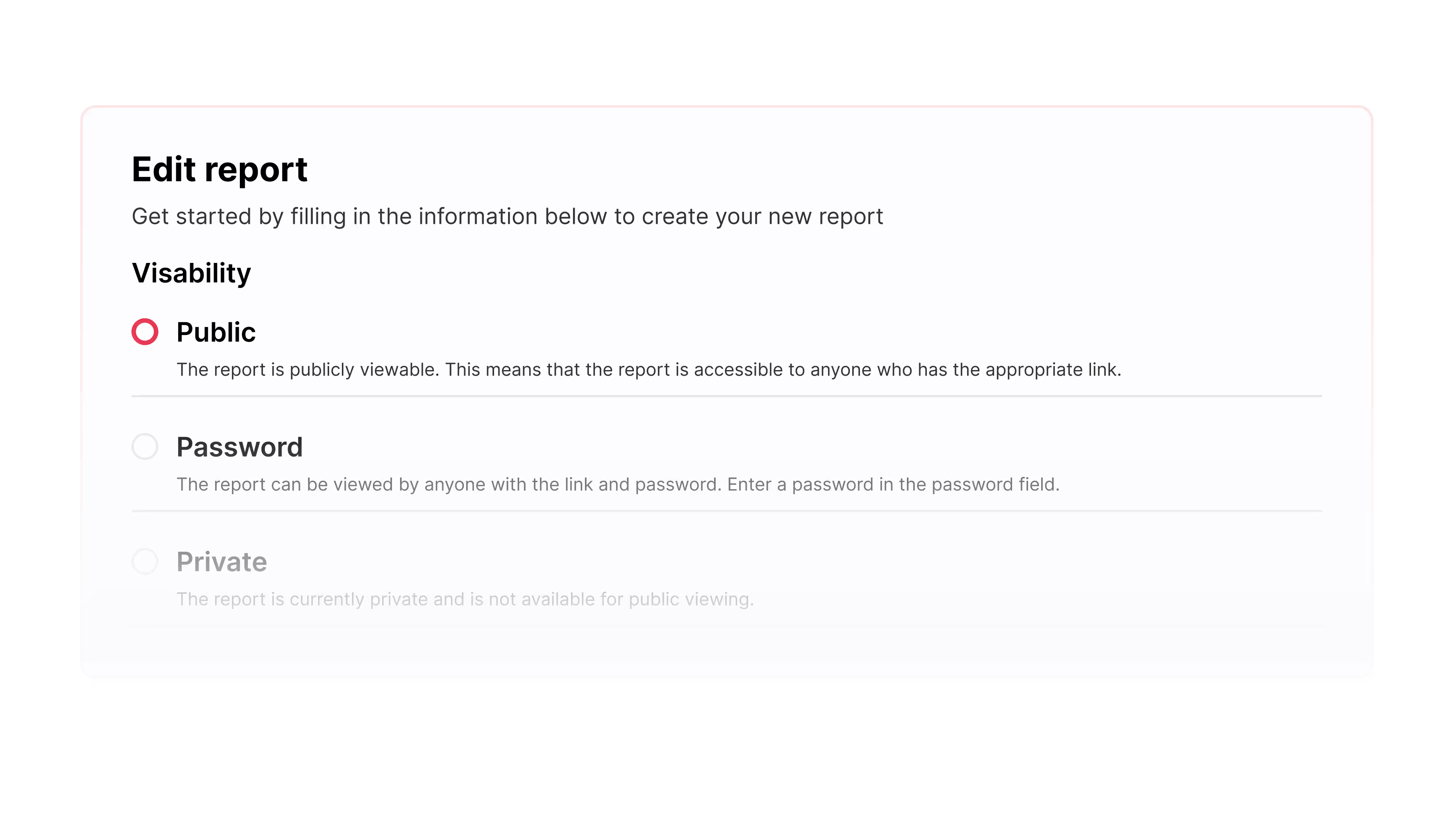
Public
Anyone with the link can view the report — no login required. The easiest way to share results with clients or partners.
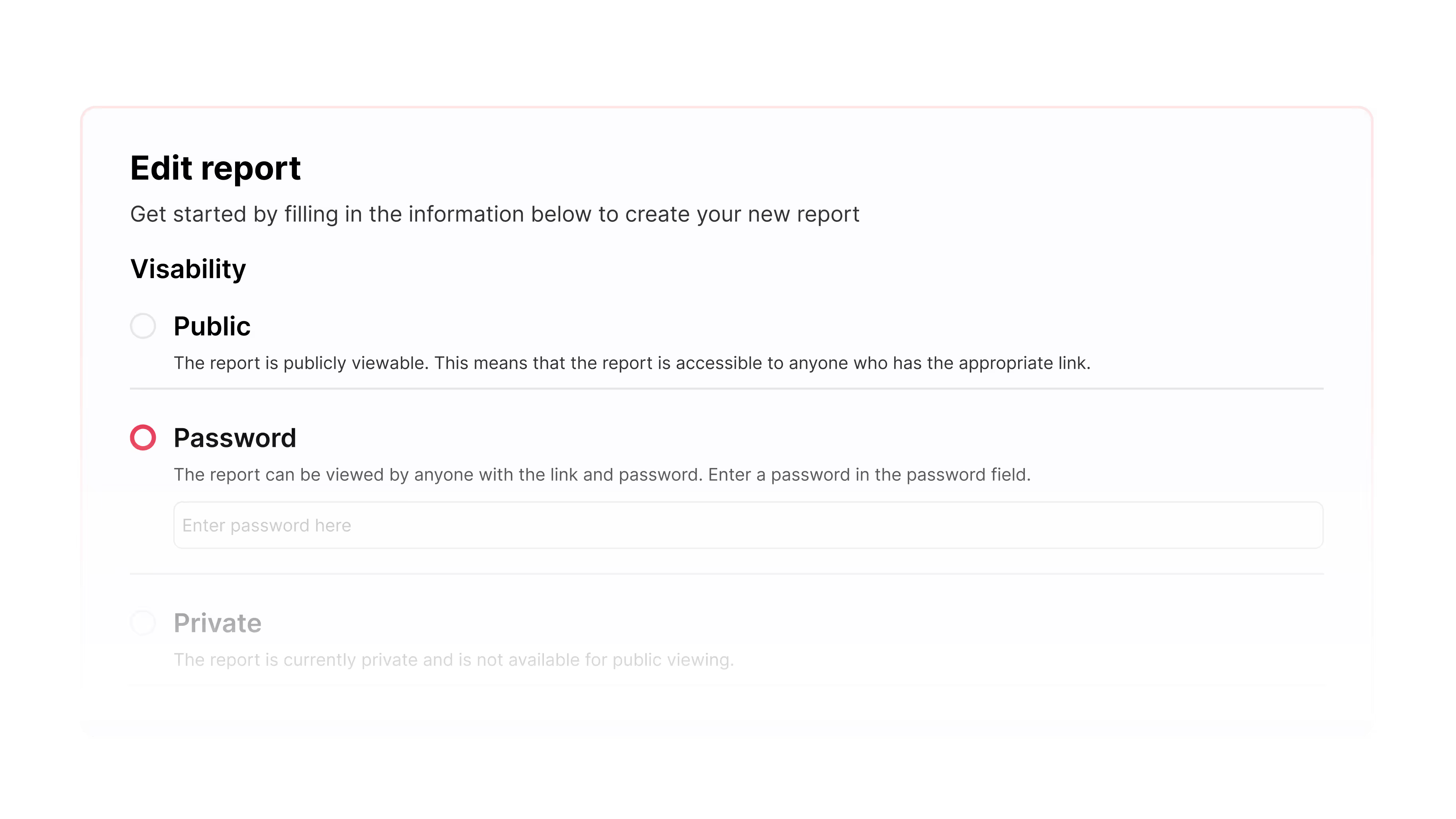
Password
Share the link, but require a password to view. Good for client reports where you want a bit more control over who sees the data.
What Our Customers Say
Agencies, talent managers, and creators use Sheer to run campaigns with less manual work.


An indispensable tool that ensures valid data and a complete overview of our campaigns. The support is top-notch, allowing us to always document results with high credibility.


Sheer has eliminated huge amounts of manual work, effectively saving us half an employee every month. The professional overview makes it easy to document value and strengthens our dialogue with clients.


We’ve relied on Sheer since day one for trustworthy data and a beautiful interface. It covers all our needs and evolves constantly with the industry – we simply couldn’t do without it.
An indispensable tool that ensures valid data and a complete overview of our campaigns. The support is top-notch, allowing us to always document results with high credibility.

Sheer has eliminated huge amounts of manual work, effectively saving us half an employee every month. The professional overview makes it easy to document value and strengthens our dialogue with clients.
We’ve relied on Sheer since day one for trustworthy data and a beautiful interface. It covers all our needs and evolves constantly with the industry – we simply couldn’t do without it.
Frequently Asked Questions
We didn’t answer your question? Feel free to reach out, our team will be happy to help.
Yes. Set the report to Password and add a password before you share the link. It’s a simple way to share externally with more control.
A public report can be viewed by anyone with the link. A private report is not available for public viewing. Use private when you want sharing turned off.
Yes. The shared report reflects the campaign report as it updates, so viewers can check progress without asking you for a new export.
Yes. You can select the data points you want to show, so the shared view matches the KPI focus of the campaign.