Stop losing creator content across drives, chats, and DMs
Upload, review, approve, and reuse creator content — with versions, usage rights, and feedback in one place.
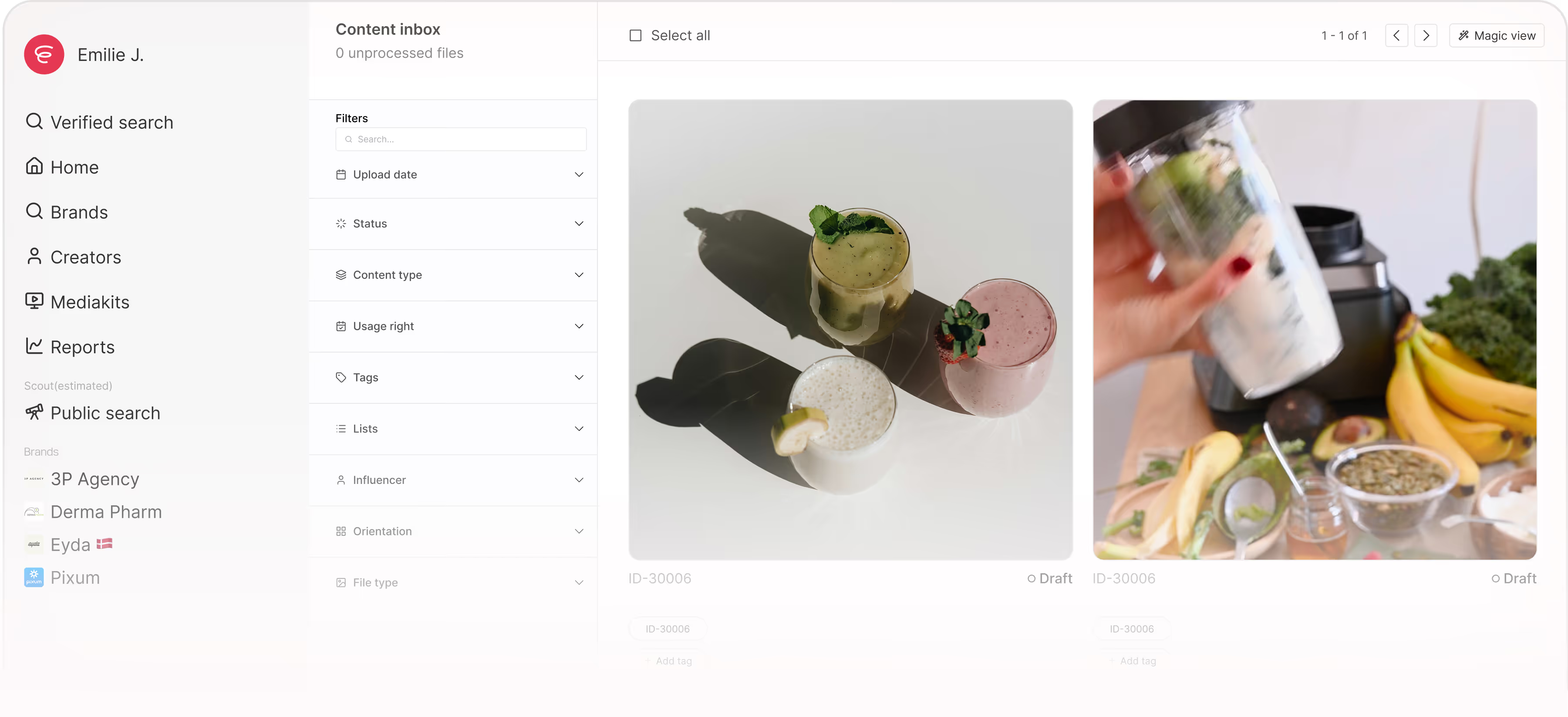







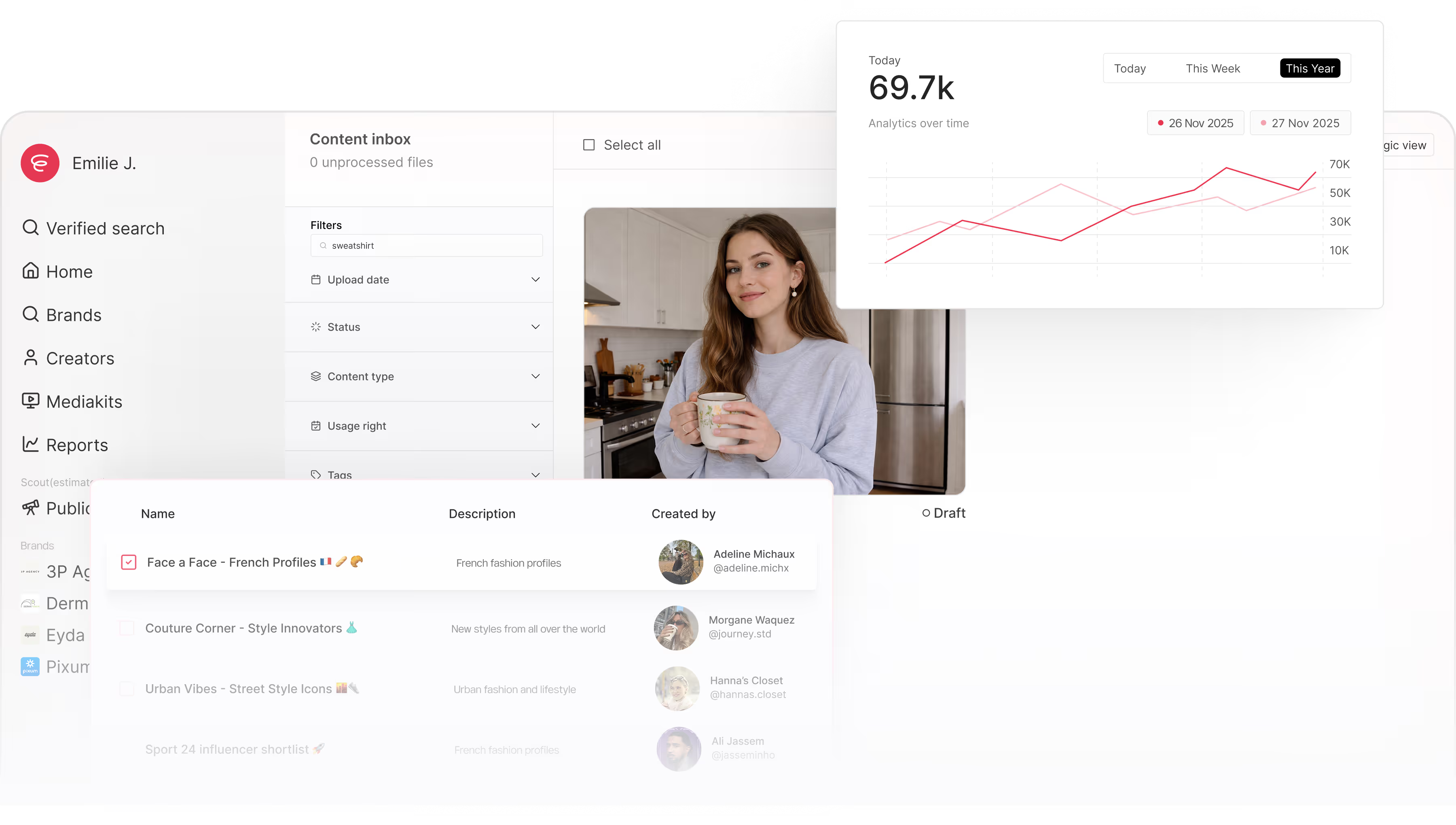
One home for all campaign content
No more hunting through drives, chats, and random links for that one post.
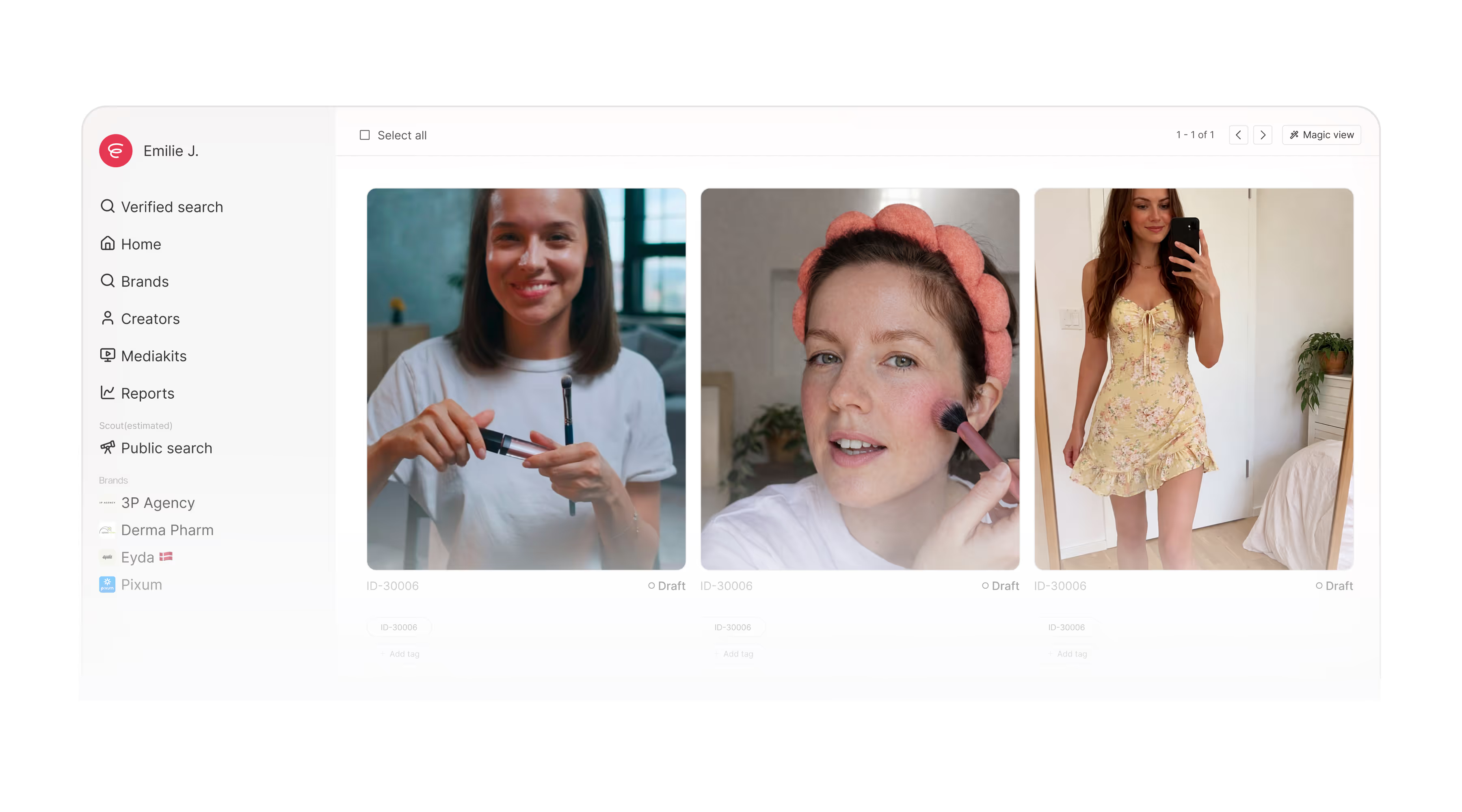
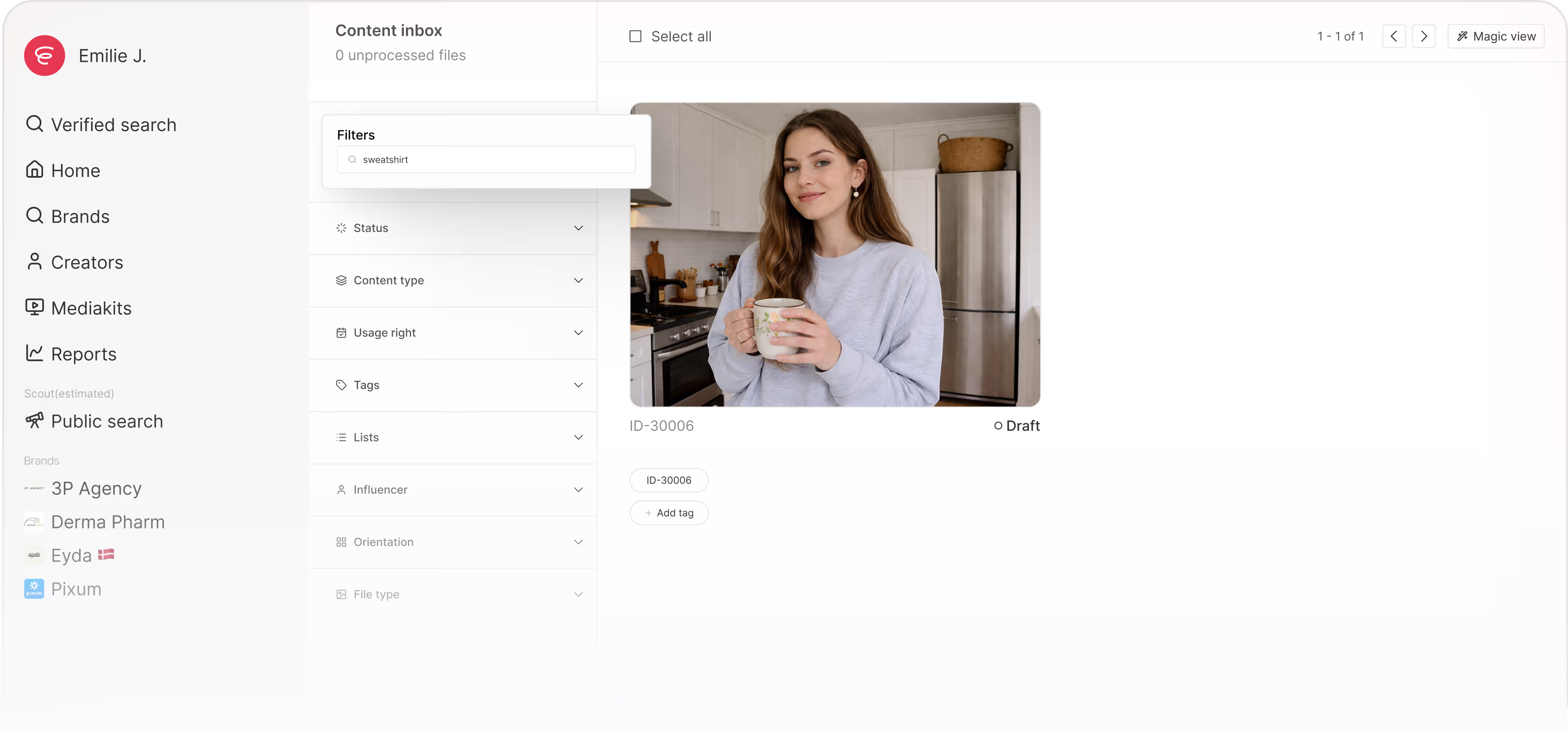
Content Inbox
Upload and manage content before you save it to the library.
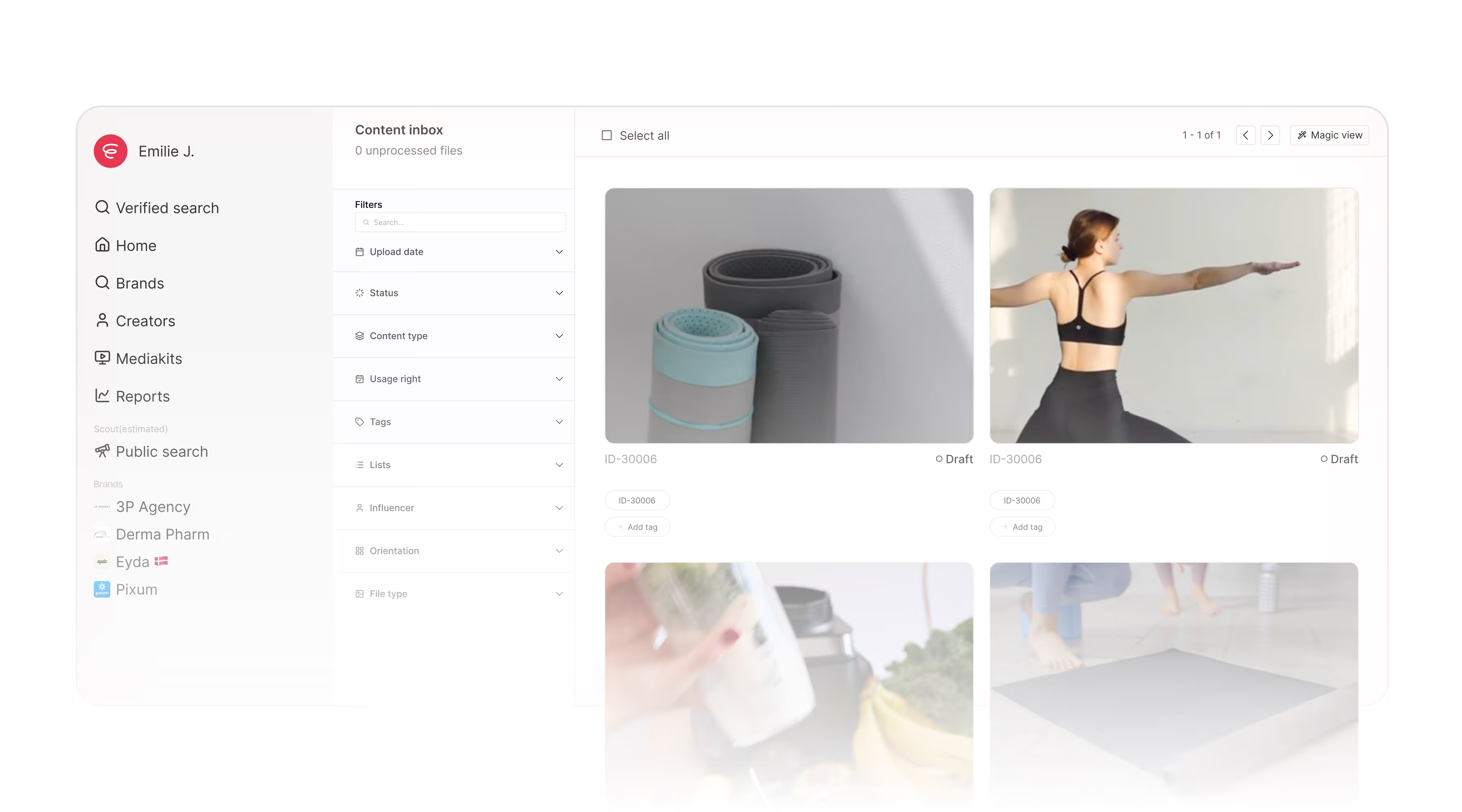
Library
All your campaign content — past and current — searchable and reusable.
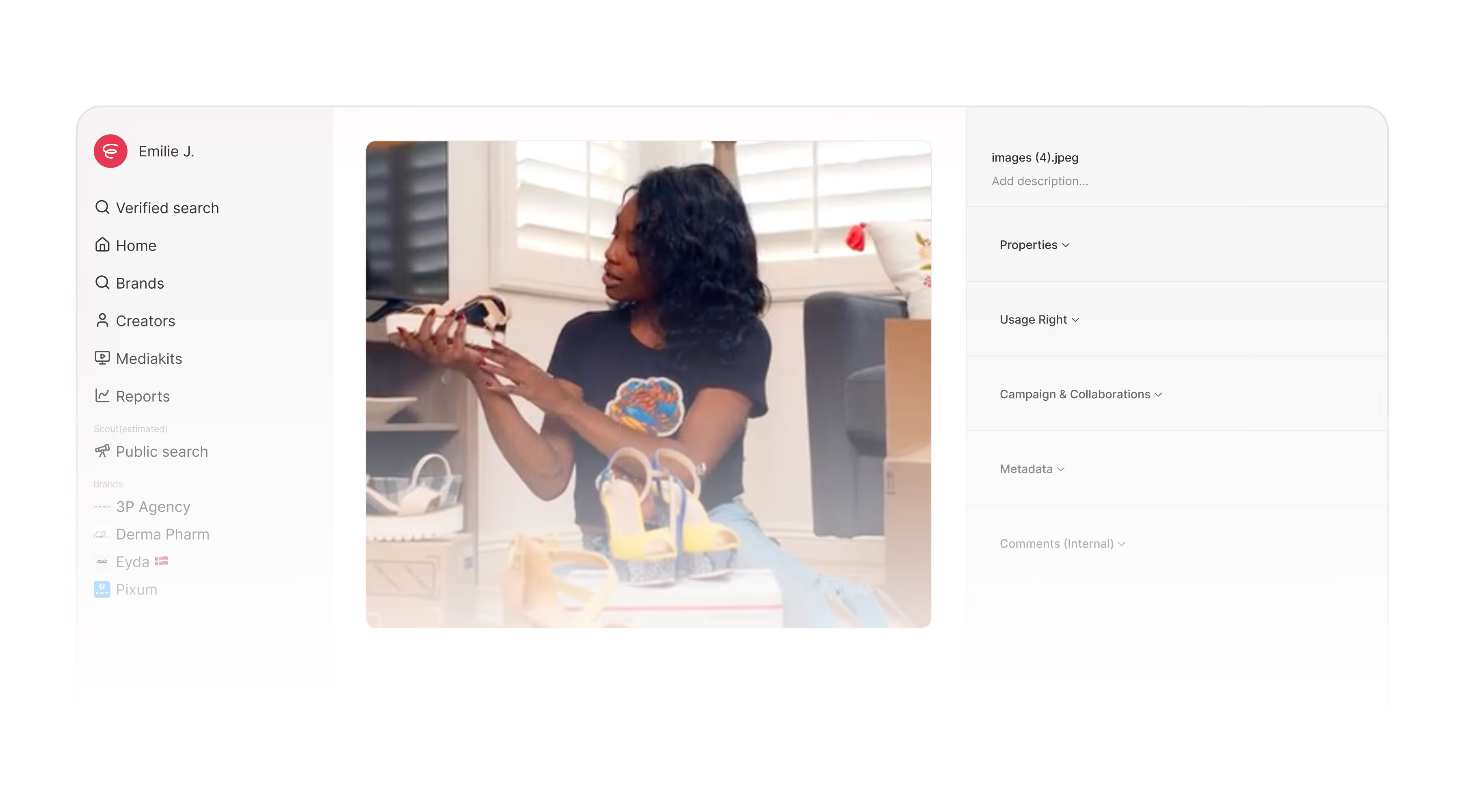
Preview
Preview image and video assets inside Sheer. No downloads. No extra tabs.
Find the right asset in seconds
Filter by creator, content type, status, tags, and more. Your library stays usable — even 50 campaigns in.
Add context, not clutter
Tag assets, leave notes, and track approval status — without overcomplicating your setup.
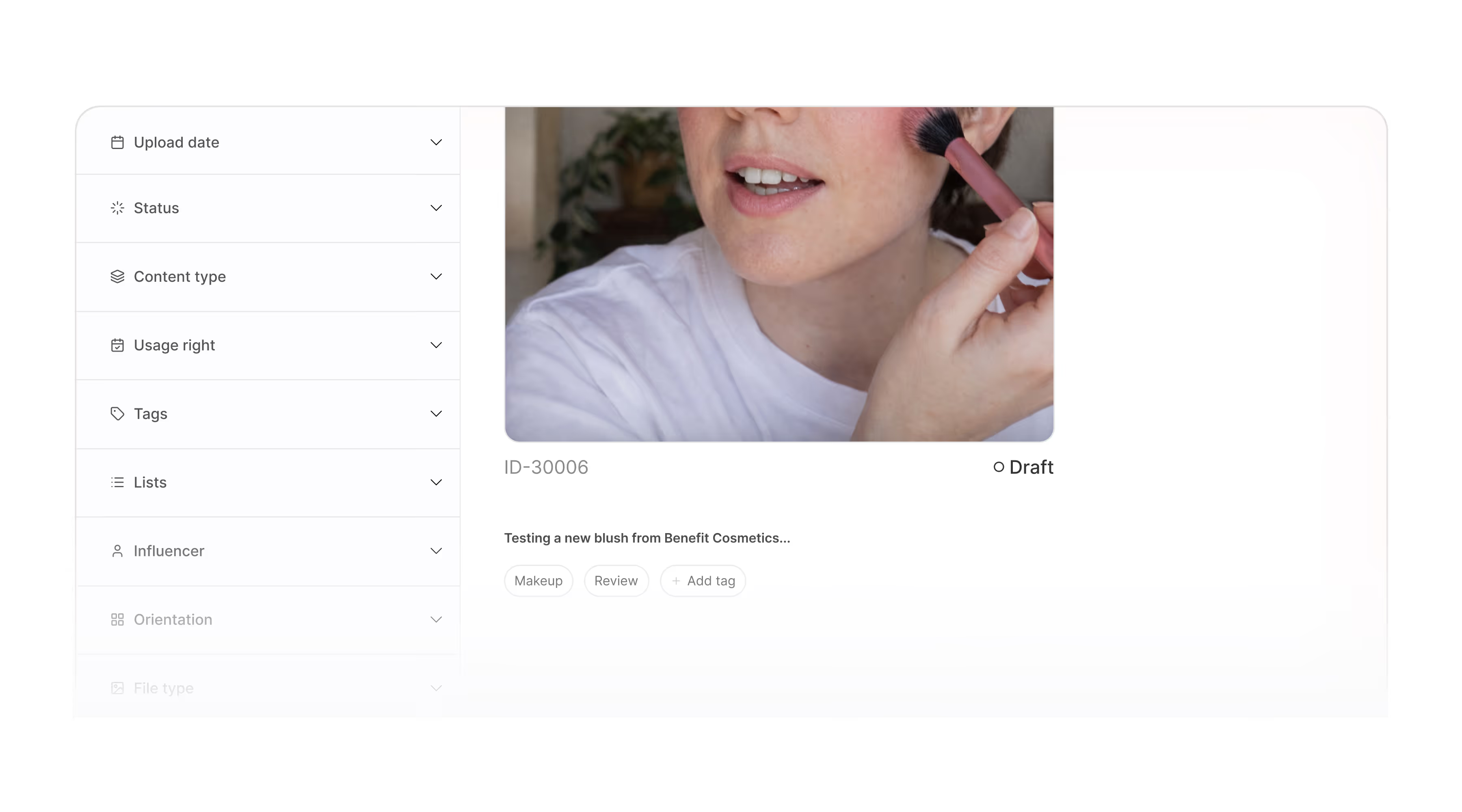
Tags
Create brand-specific tags for products, angles, formats, or campaigns.

Internal comments
Leave feedback directly on the asset. Decisions, approvals, and revision notes stay attached.

Status
Track every asset from Draft → In Review → Approved or Rejected. Everyone sees where things stand.
What teams are saying
Agencies, talent managers, and creators use Sheer to run campaigns with less manual work.


An indispensable tool that ensures valid data and a complete overview of our campaigns. The support is top-notch, allowing us to always document results with high credibility.


Sheer has eliminated huge amounts of manual work, effectively saving us half an employee every month. The professional overview makes it easy to document value and strengthens our dialogue with clients.


We’ve relied on Sheer since day one for trustworthy data and a beautiful interface. It covers all our needs and evolves constantly with the industry – we simply couldn’t do without it.
An indispensable tool that ensures valid data and a complete overview of our campaigns. The support is top-notch, allowing us to always document results with high credibility.

Sheer has eliminated huge amounts of manual work, effectively saving us half an employee every month. The professional overview makes it easy to document value and strengthens our dialogue with clients.
We’ve relied on Sheer since day one for trustworthy data and a beautiful interface. It covers all our needs and evolves constantly with the industry – we simply couldn’t do without it.
Frequently Asked Questions
We didn’t answer your question? Feel free to reach out, our team will be happy to help.
It’s a central hub where you manage influencer-generated content from campaigns. It helps you store, review, and reuse assets without losing track.
You upload files into the Content Inbox first. From there, you can organize and review content before saving it to your library.
Yes. You can approve or reject with one click, and add comments under each asset. This keeps feedback tied to the right file.
Yes. You can upload multiple versions of the same content, like different edits or formats, and manage them together.
You can assign usage rights details and an end date per asset. Expired content stays visible, but shows as expired. You can also create rights templates to apply the same end date at scale.